Your words, with a way back
Choose a full JSON backup, a selected pack or readable Markdown. Learn what encrypted exports protect and how to check a restore preview.

Create an independent file before a major edit, import, update, or browser change. Preview a restore before committing it.
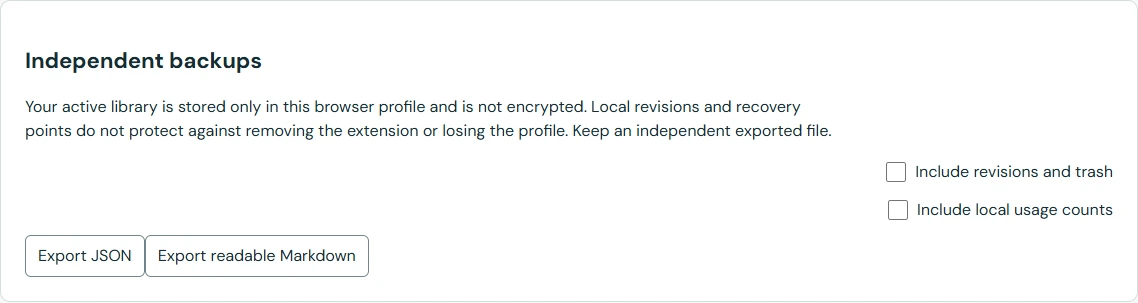
Open Backup & recovery and choose a full JSON export for restoration. Decide whether to include revisions/trash and usage; both are excluded by default. Drafts and transient field answers are not exported.
Save the download somewhere separate from the active browser profile. For a selected pack, include reusable-block dependencies so a template does not arrive without its source blocks. Record which version created the file.
Use a strong, memorable passphrase and keep it safely. Encryption protects the exported file only. There is no password recovery, and the ordinary active library remains unencrypted.
Do not delete the only working library merely because a file downloaded. Keep the original until you have checked that the backup can be previewed and restored.
Merge preserves existing preferences and usage. Replace uses a local recovery snapshot before substituting the library. A preview based on an old library revision cannot silently overwrite intervening edits.
Local snapshots, revisions, and trash remain in the profile. They help with editing mistakes but do not survive deletion of that profile. A readable Markdown export is useful reference material, not a full-fidelity restore file.
Keep the working library and the exported file. Open the import preview and check recognizable titles and expected totals. Cancel after inspection if you are only checking the file. For encrypted backups, a successful preview also checks that you have the right password. If the file cannot be read, preserve it and export another copy from the working library.